

Visitor Behavior
Introducing Our Behavior Analytics Features
Understand Customer Actions and Journeys
Use our visitor behavior analytics features to reach goals and increase success.
Make better design decisions
Perfect the visitor experience
Get more sales or signups
Heatmaps
View Group Visitor Behavior
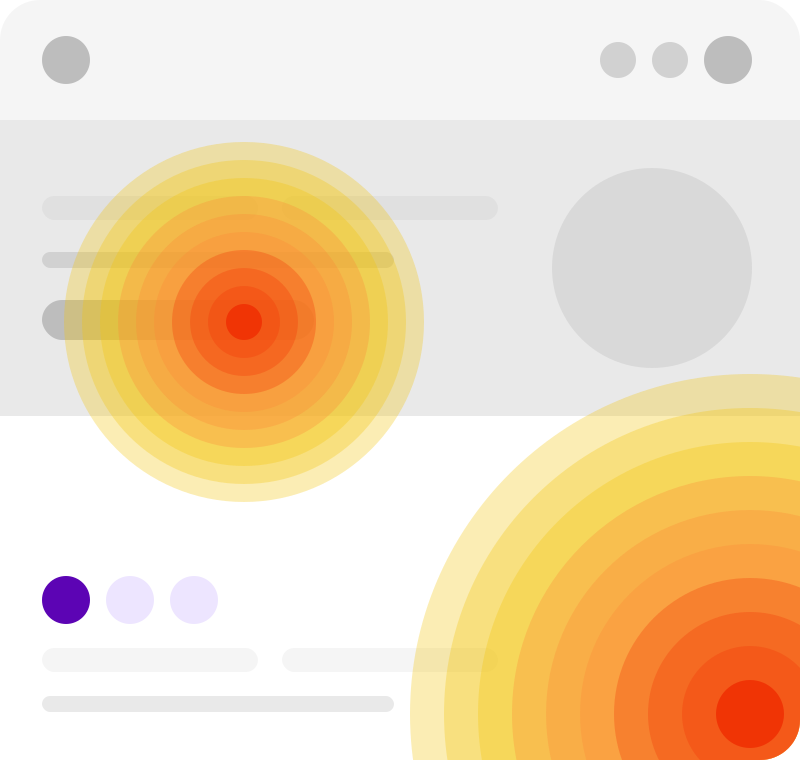
Create a heatmap to quickly understand page engagement, including clicks, scrolls, and mouse movement. Additionally, see where attention is high and where it’s low. Then, use this visual aid to spot technical issues, improve layouts, and make navigation easier.
- Easy-to-understand Heatmaps
- Clear Traffic Behavior Conclusions
- Visitor Device Information
- Usability Testing Reports
- Traffic Location Map
So create one for a specific or dynamic page, or alternatively, use the URL pattern tool to filter data by campaign. Furthermore, see results by device type. From the color palette to recorded visit count, our heatmaps are fully customizable, and you can also see the data in list or map form.
Session Recordings
Replay Any Visitor Journey
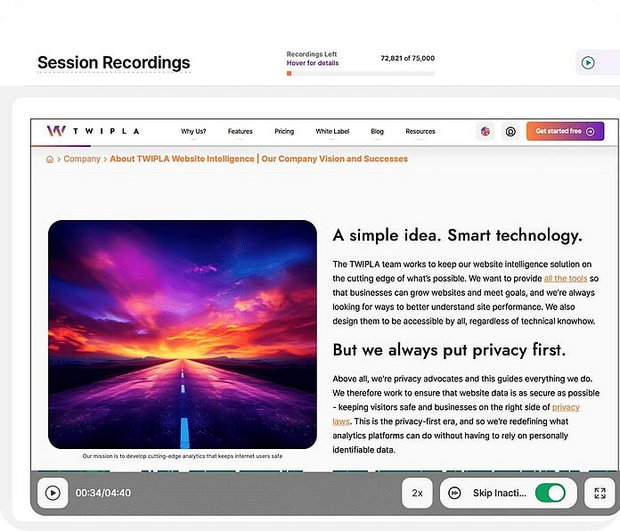
Watch videos of real browsing sessions to see how people engage with your pages and also move between them. Then, use this information to find confusion, doubt, and frustration. View your site from their perspective and use this information to improve your website.
- Advanced Replay Filtering
- Cross-Platform Information
- Customizable Data Collection
- Advanced Playback Reports
Find the session recordings you need quickly and also bookmark the ones you like. Moreover, sort them by visitor characteristics, pages visited, and traffic source. Alternatively, activate a multi-level filter or saved filter template for more relevant results. Finally, watch the replays or use the list of actions in data form.
Conversion Funnels
Follow Paths to Purchase
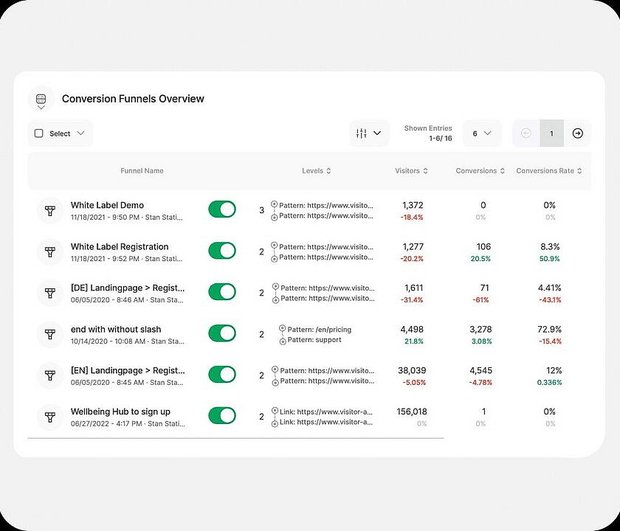
Link pages together for analysis so as to improve the performance of key conversion pages to meet your goals. Moreover, identify drop-outs, pain points, and other problems. Then, use this information for targeting, resource allocation, and making smarter decisions.
- Turn More Visitors into Customers
- Intuitively Designed
- Increase Website ROI
- Compare Funnel Performance
- Watch Videos of Dropouts
So create a funnel of up to eight pages and start mapping out your site. Additionally, set an expected conversion rate and visitor number limit. Use the graphic to easily understand results and watch videos of drop-outs. Finally, jump to each page for further analysis and make your website work better.
Event Tracking
Research Any Visitor Behavior
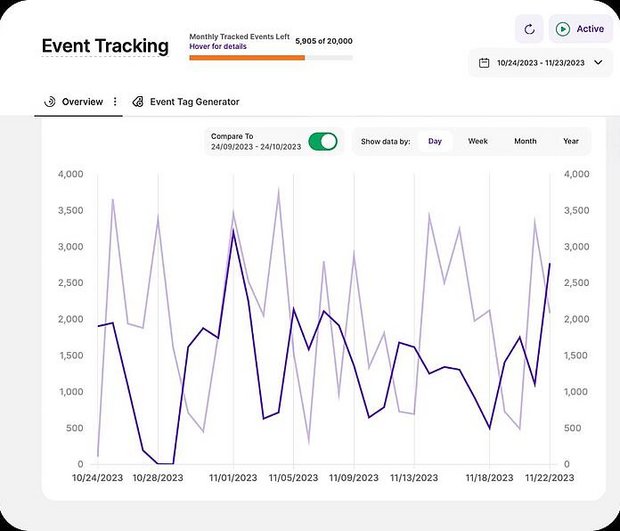
This visitor behavior tool goes beyond surface-level analytics by tracking how visitors interact with any page element, such as downloads, form submissions, checkboxes, and dropdowns. So go granular and use this data to fine-tune your site.
- Automatic Event Tracking
- Custom Event Triggers
- Integrated Events Analytics
- Historic Event Graph
- Live Tracking Mode
This advanced feature requires a little setup; however, once you've created a tag and added it to the HTML, anyone can use it. Then, return to the overview to see how event frequency changes over time, or group and filter data for deeper analysis.